Beautiful on Every Platform
Native experience on Mac, iPhone, iPad, and Vision Pro.
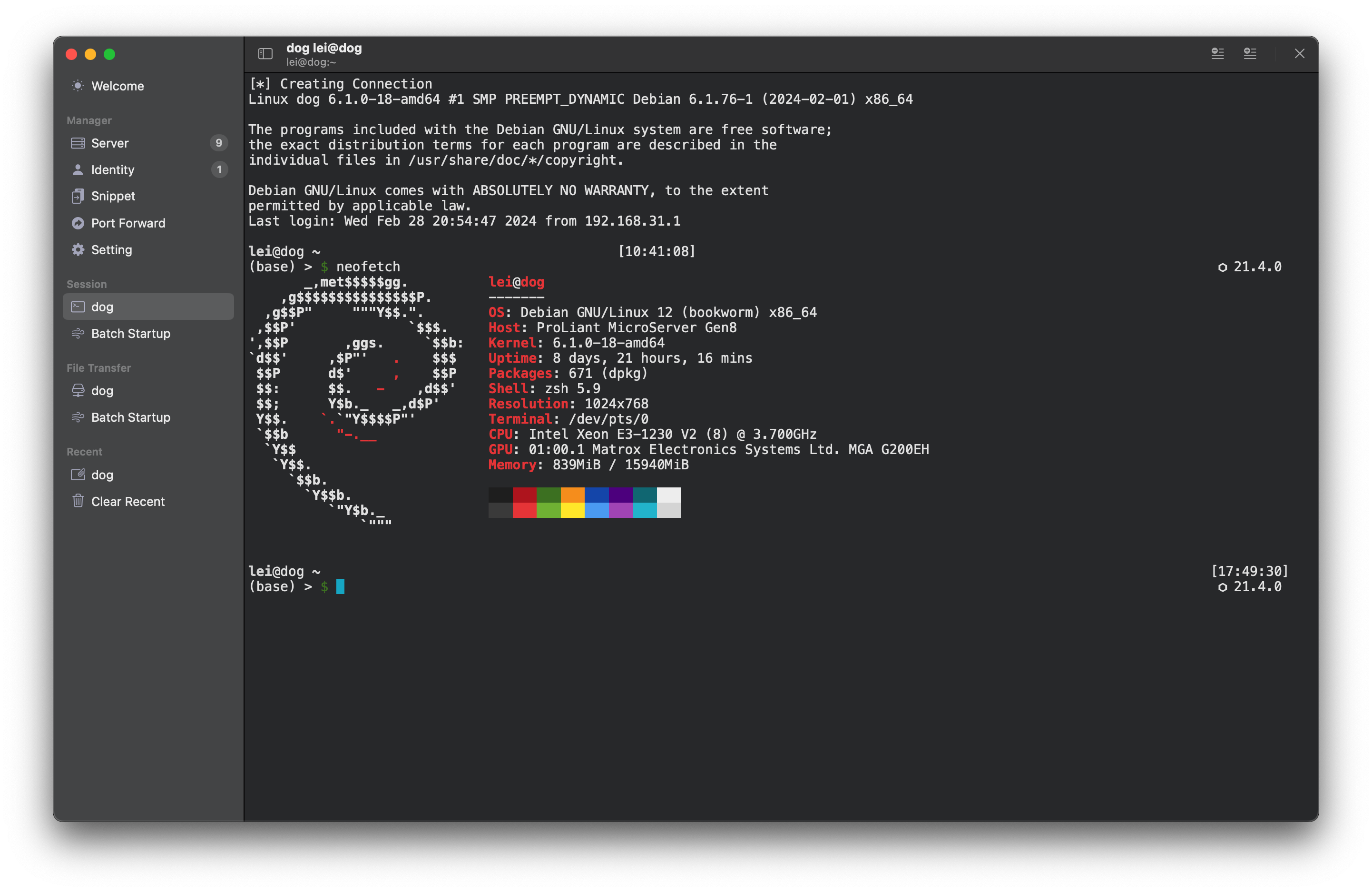
Terminal Session
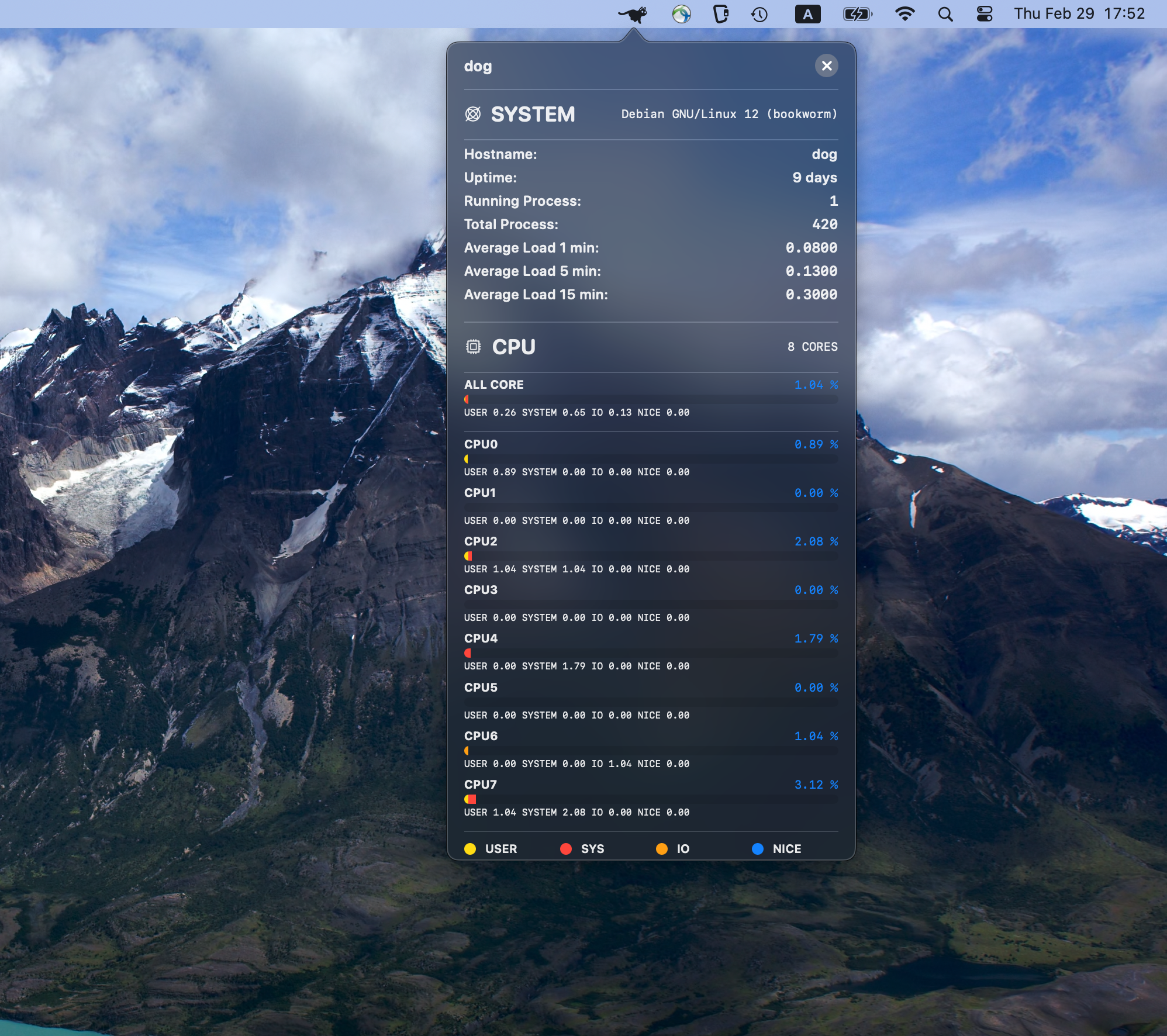
Server Monitor
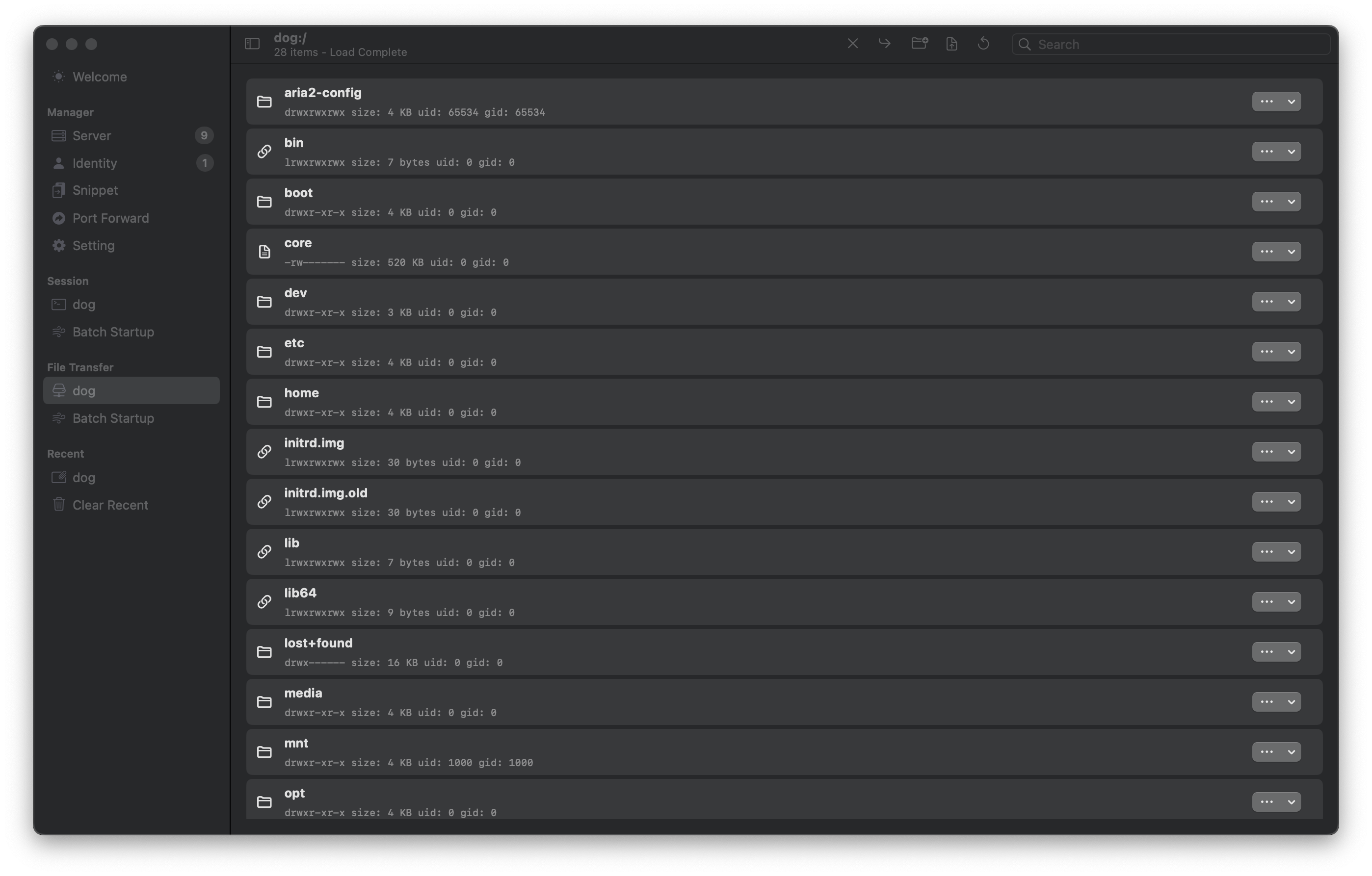
File Transfer
Modern SSH & Mosh client for Mac, iPhone, iPad, and Vision Pro. Connect, monitor, and manage your Linux infrastructure with a beautifully crafted experience.
Everything you need to manage your servers, designed with care for Apple platforms.
Connect via SSH or Mosh with industry-standard encryption. Your credentials are protected with Keychain integration and optional biometric authentication.
Real-time monitoring for CPU, memory, disk, network, and NVIDIA GPU status. Keep an eye on your infrastructure at a glance.
Built-in SFTP support for seamless file transfers. Upload, download, and manage files on your servers without leaving the app.
Save frequently used commands as snippets and run them across multiple servers simultaneously. Automate repetitive workflows effortlessly.
Configure local and remote port forwarding for secure tunneling. Access internal services and databases with ease.
Synchronize your machines, identities, snippets, and settings across all your Apple devices via iCloud. Your workspace, everywhere.
Get command suggestions, explanations, and troubleshooting help from the built-in AI assistant. Learn as you work.
Your data stays on your devices. We don't collect personal information or server credentials. Open about what we do collect.
Native experience on Mac, iPhone, iPad, and Vision Pro.
Up and running in minutes with these simple steps.
Enter your server's hostname, username, and authentication method (password or SSH key). GoodTerm securely stores credentials in your device's Keychain.
Tap to connect via SSH or Mosh. Use the terminal for commands, switch to monitoring view for system stats, or access files through the built-in SFTP browser.
Enable iCloud sync to keep your servers, snippets, and settings consistent across all your Apple devices. Changes sync automatically.
Create snippets for common commands, set up port forwarding for secure tunnels, and ask the AI assistant when you need help.
Your privacy matters. Here's what you need to know.
At GoodTerm, we take your privacy seriously. We don't collect your server credentials, terminal sessions, or file transfers.
Download GoodTerm today and experience a better way to manage your servers.
Download on App Store